Using PostgreSQL
PostgreSQL is an open-source relational database with strong standards support and advanced features such as JSON data types and reliable transactions. This article covers installing it, creating a database and user, setting permissions, and using basic commands through `psql`.
Testing note: the computer used to write this article does not have a PostgreSQL server or `psql`, so the commands have not been run here. The SQL used is the same standard SQL tested with SQLite in the SQL article. Run it yourself on a machine with PostgreSQL installed.
What you need
- PostgreSQL 16 or newer from postgresql.org, installed with the `psql` tool
- The password for the `postgres` user set during installation
How clients connect
Step 1: connect with psql
psql -U postgres -h localhost
Step 2: create a database and user
CREATE DATABASE school;
CREATE USER teacher WITH PASSWORD 'change-me';
GRANT ALL PRIVILEGES ON DATABASE school TO teacher;
Replace the sample password with a strong one before real use.
Step 3: create a table and add data
Connect to the `school` database and run:
\c school
CREATE TABLE students (
  id SERIAL PRIMARY KEY,
  name TEXT NOT NULL,
  score INTEGER
);
INSERT INTO students (name, score) VALUES ('สมชาย', 85), ('สมหญิง', 72);
SELECT name, score FROM students WHERE score >= 80;
`SERIAL` creates an automatic number for the key. `\c` is a `psql` command that switches database.
Step 4: commands in psql
- `\l` lists databases
- `\dt` lists tables
- `\d students` shows a table's structure
- `\q` quits
Common mistakes
- **Cannot connect:** check the PostgreSQL service is running and that port 5432 is not blocked by the firewall.
- **Not enough permissions:** grant only what is needed, and use a separate user for each application.
- **No backups:** back up regularly with `pg_dump school > school.sql`.
Next steps
Learn indexes to speed up searches, transactions with `BEGIN` and `COMMIT`, and storing JSON data.
Summary
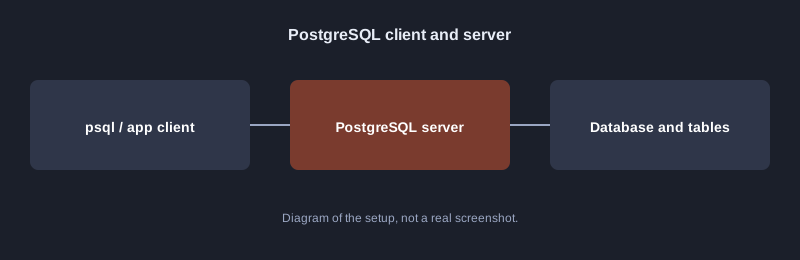
PostgreSQL runs as a server that separates databases, users and permissions. The basic steps are: create the database, create a user, grant permissions, then use SQL on your tables.