Using MySQL
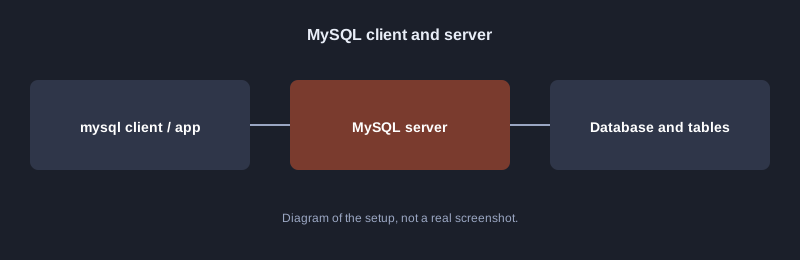
MySQL is a relational database used by many websites and applications. It is easy to install, has good tools, and supports standard SQL with its own extensions. This article covers installing it, creating a database and user, creating a table, and backing up with `mysqldump`.
Testing note: the computer used to write this article does not have a MySQL server, so the commands have not been run here. The SQL used is the same standard SQL tested with SQLite in the SQL article. Run it yourself on a machine with MySQL installed.
What you need
- MySQL 8.0 or newer from dev.mysql.com, or MariaDB, which uses most of the same commands
- The root password set during installation
How clients connect
Step 1: connect
mysql -u root -p
Step 2: create a database and user
CREATE DATABASE school CHARACTER SET utf8mb4;
CREATE USER 'teacher'@'localhost' IDENTIFIED BY 'change-me';
GRANT SELECT, INSERT, UPDATE, DELETE ON school.* TO 'teacher'@'localhost';
FLUSH PRIVILEGES;
`CHARACTER SET utf8mb4` stores Thai text and emoji correctly. Replace the sample password with a strong one.
Step 3: create a table and add data
USE school;
CREATE TABLE students (
  id INT AUTO_INCREMENT PRIMARY KEY,
  name VARCHAR(100) NOT NULL,
  score INT
);
INSERT INTO students (name, score) VALUES ('สมชาย', 85), ('สมหญิง', 72);
SELECT name, score FROM students WHERE score >= 80;
`AUTO_INCREMENT` creates numbers automatically, and `VARCHAR(100)` sets the maximum length of text.
Step 4: back up and restore
mysqldump -u root -p school > school_backup.sql
mysql -u root -p school < school_backup.sql
Common mistakes
- **Thai text shows as question marks:** make sure the database and the connection use `utf8mb4`.
- **Giving the root account to an application:** create a separate user with only the permissions it needs.
- **No backup before changes:** run `mysqldump` before every change to a table structure.
Next steps
Learn indexes to speed up queries, use `EXPLAIN` to see how a query runs, and set up automatic backups.
Summary
MySQL runs as a server that separates databases and user permissions. Setting `utf8mb4` from the start, creating separate users, and backing up regularly are the foundations of real use.