Creating Reports with JasperReports
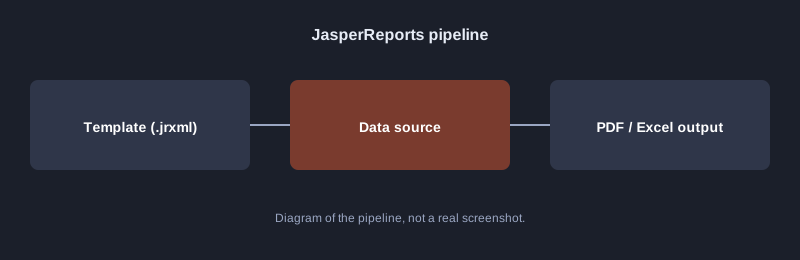
JasperReports is a Java library for designing and generating reports. The report layout lives in a `.jrxml` template, data is filled in from a database or from Java objects, and the result is exported to PDF, Excel or HTML. This article shows the template structure and code that builds a report from a list of rows.
Testing note: the computer used to write this article does not have the JasperReports library, so the code has not been run here. Add the dependency as the project documents describe and test it yourself.
What you need
- JDK 17 or newer
- The JasperReports library through Maven, for example `net.sf.jasperreports:jasperreports`
- A designer such as Jaspersoft Studio for drag-and-drop template design
How it works
Step 1: design the template
A `.jrxml` file is XML that declares the data fields, the header, the detail rows and the footer. Example fields:
<field name="name" class="java.lang.String"/>
<field name="score" class="java.lang.Integer"/>
In the `<detail>` band, add a `textField` that references `$F{name}` and `$F{score}` to show each row's values.
Step 2: prepare the data and build the report
import net.sf.jasperreports.engine.*;
import net.sf.jasperreports.engine.data.JRBeanCollectionDataSource;
import java.util.List;
import java.util.Map;

public class ReportDemo {
    public static class Row {
        private final String name;
        private final int score;
        public Row(String name, int score) { this.name = name; this.score = score; }
        public String getName() { return name; }
        public int getScore() { return score; }
    }

    public static void main(String[] args) throws Exception {
        List<Row> rows = List.of(new Row("สมชาย", 85), new Row("สมหญิง", 72));
        JasperReport report = JasperCompileManager.compileReport("scores.jrxml");
        JasperPrint print = JasperFillManager.fillReport(report, Map.of(), new JRBeanCollectionDataSource(rows));
        JasperExportManager.exportReportToPdfFile(print, "scores.pdf");
    }
}
- `compileReport` turns the `.jrxml` into a runnable form.
- `fillReport` combines the template with the data.
- `exportReportToPdfFile` writes the PDF.
Common mistakes
- **Field names do not match the getters:** the names must match exactly.
- **Thai font not shown:** set a font that supports Thai in the template and on the system.
- **Encoding not set:** make sure the `.jrxml` file and the strings in code are UTF-8.
Next steps
Add a group to the report, such as totals per subject, or pass the school name in as a parameter.
Summary
JasperReports separates layout from data. The template defines the appearance, the code fills in the data, and the result is exported to the format you need. This keeps report layouts easy to change without touching the main code.